Follow these steps to mark a job role as the one to plan succession for:
- In the Core HR section, select Jobs and Positions, and open the Job Roles list.
- Click the title of the job role that requires succession and then click Edit Item.
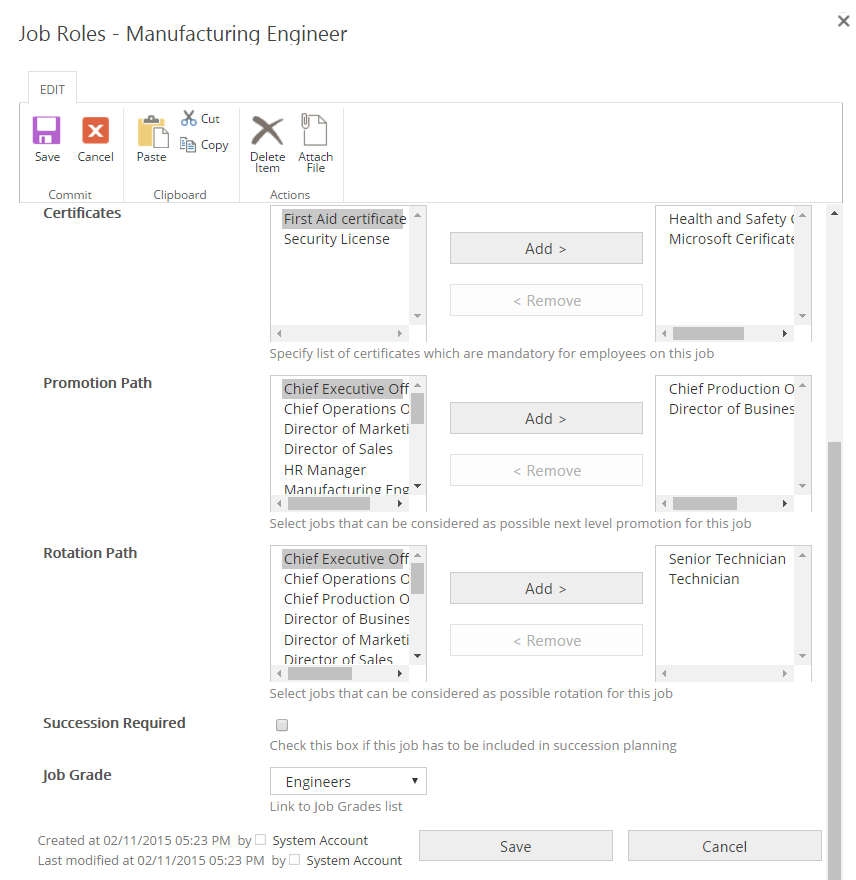
- Select the Succession Required check box.
- Save the changes.