The User Notifications button allows users to view notifications about various tasks that require your action, such as actions pending your approval, development activities pending completion, performance reviews, as well as 360 Feedback reviews pending your input, HelpDesk tickets that require your attention, probation reviews pending your action, documents that should be uploaded, etc. You can select a notification to open the corresponding page where you can act on the task.
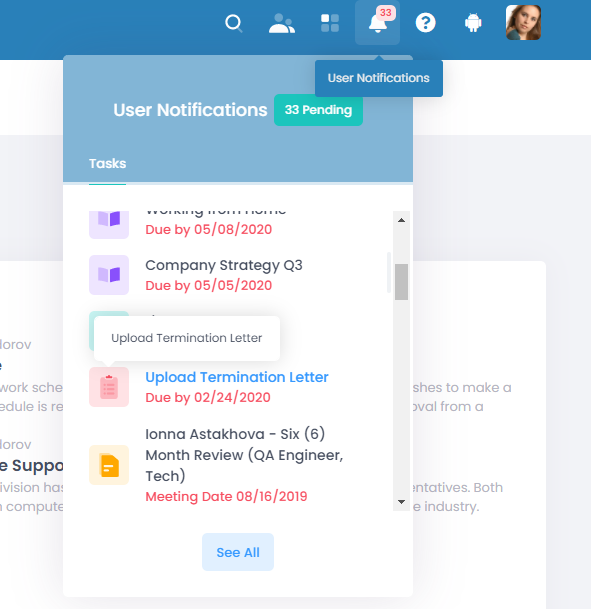
To hide the button from the menu bar:
- Go to Settings > Settings and Configuration > System Settings.
- Click User Interface > Advanced.
- Clear the "Show User Notifications In Top Bar" check box, then click Apply changes.