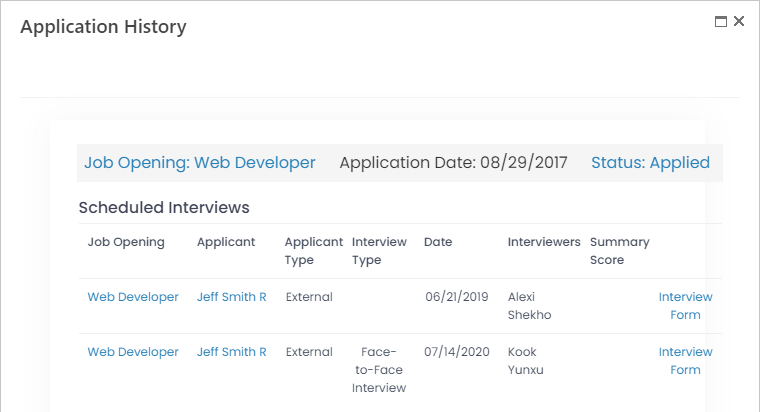
Access the Application History page by clicking Candidate History on the candidate card ribbon. If the candidate card is displayed in the alternative mode, locate the Application History section in the card.
On the Application History page/section, you can view the information on candidate application process(es). You can see the list of job openings the candidate applied for, together with their application dates and statuses. Also, the detailed information on scheduled interviews is available.