To see the performance trend chart, go to My Team Performance > Performance Reviews > Performance Trend Chart.
Select the performance review type and the time period to display the trends for and click View. 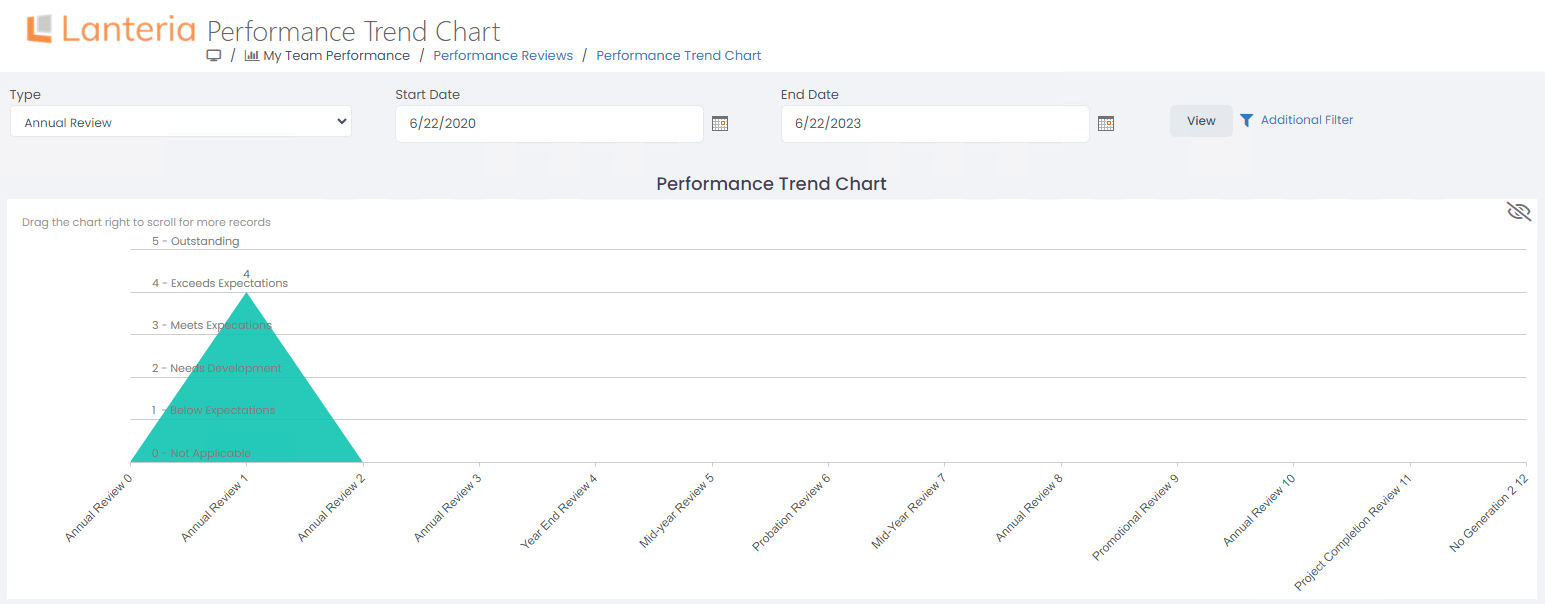
To see the performance trend chart, go to My Team Performance > Performance Reviews > Performance Trend Chart.
Select the performance review type and the time period to display the trends for and click View.