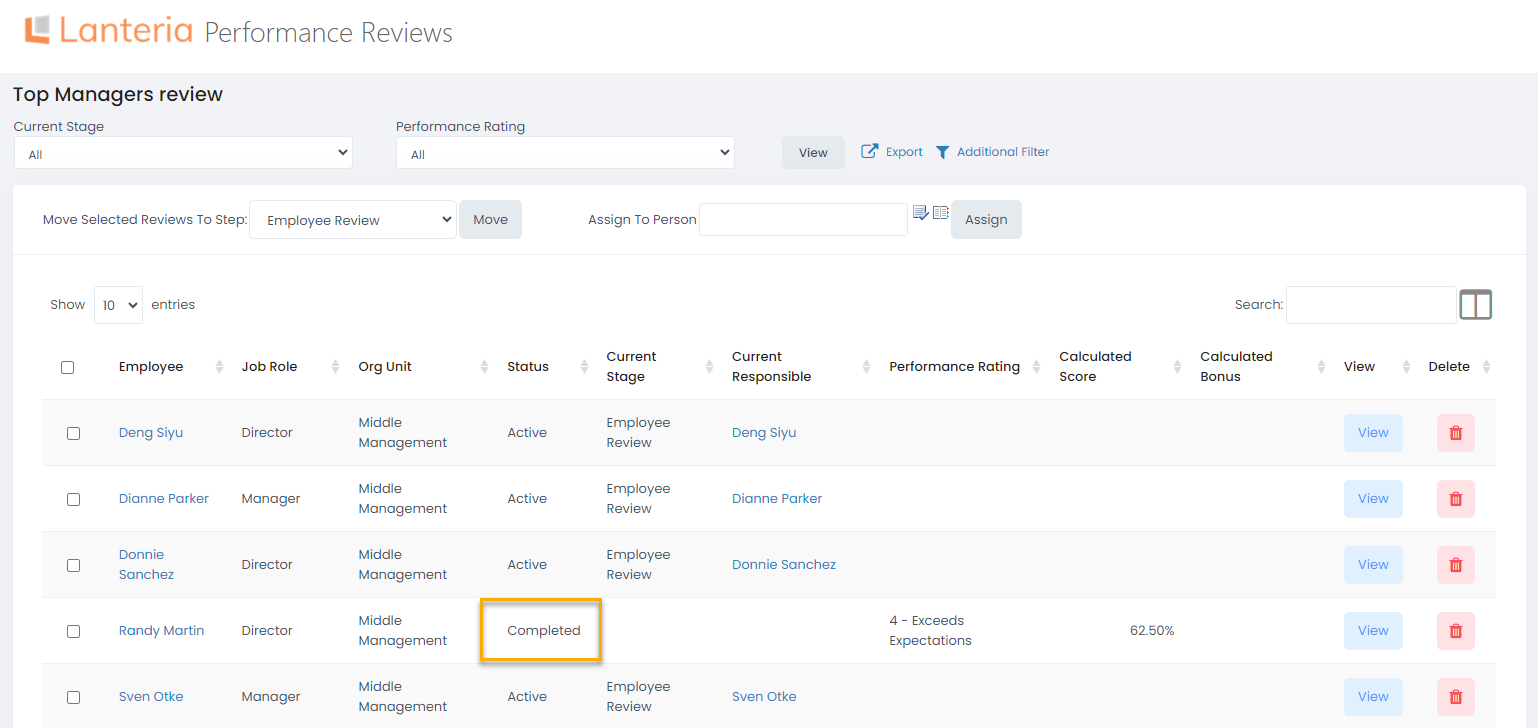
When you finish working with the form, click Submit Review on the top or bottom of the review form. Click OK on the confirmation message that appears. The status of the stage you are responsible for will change to Completed and the form will be submitted to the following person in the workflow..png)
When all the stages are completed, the review status will change to Completed and the employee will be notified that his or her review is finalized.