Set up the candidate sources dictionary to keep track of the various candidates sources' effectiveness.
Follow these steps to create candidate sources:
- Go to Settings > Settings and Configuration > Recruiting.
- Click Candidate Database in the left panel and click Edit next to the Candidate Sources setting name on the Basic tab.
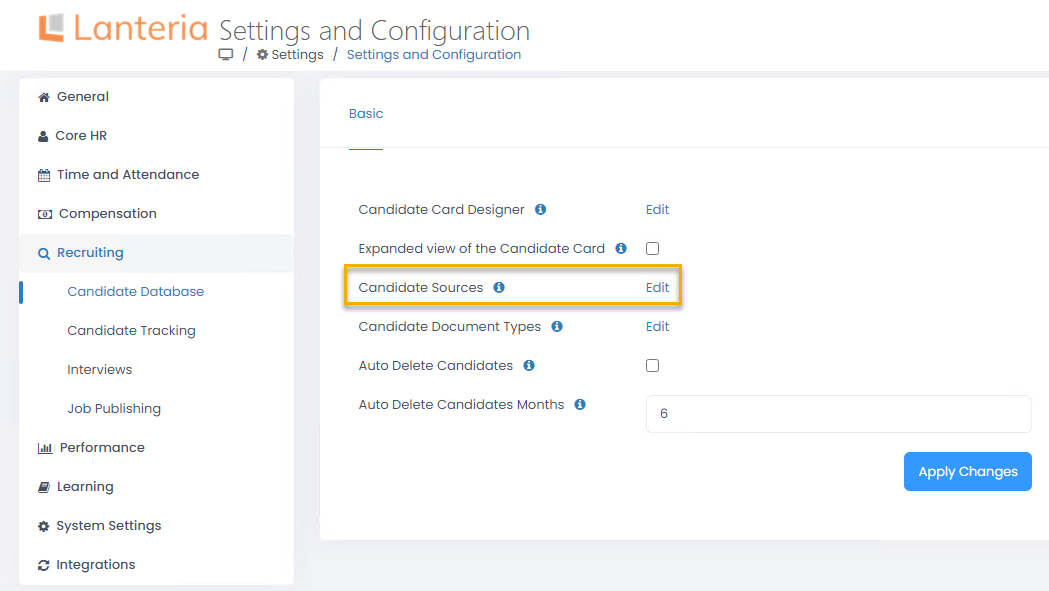
- The Candidate Sources list will open in spreadsheet view where you can directly edit the information you need

- Enter the candidate source name into the Title column.