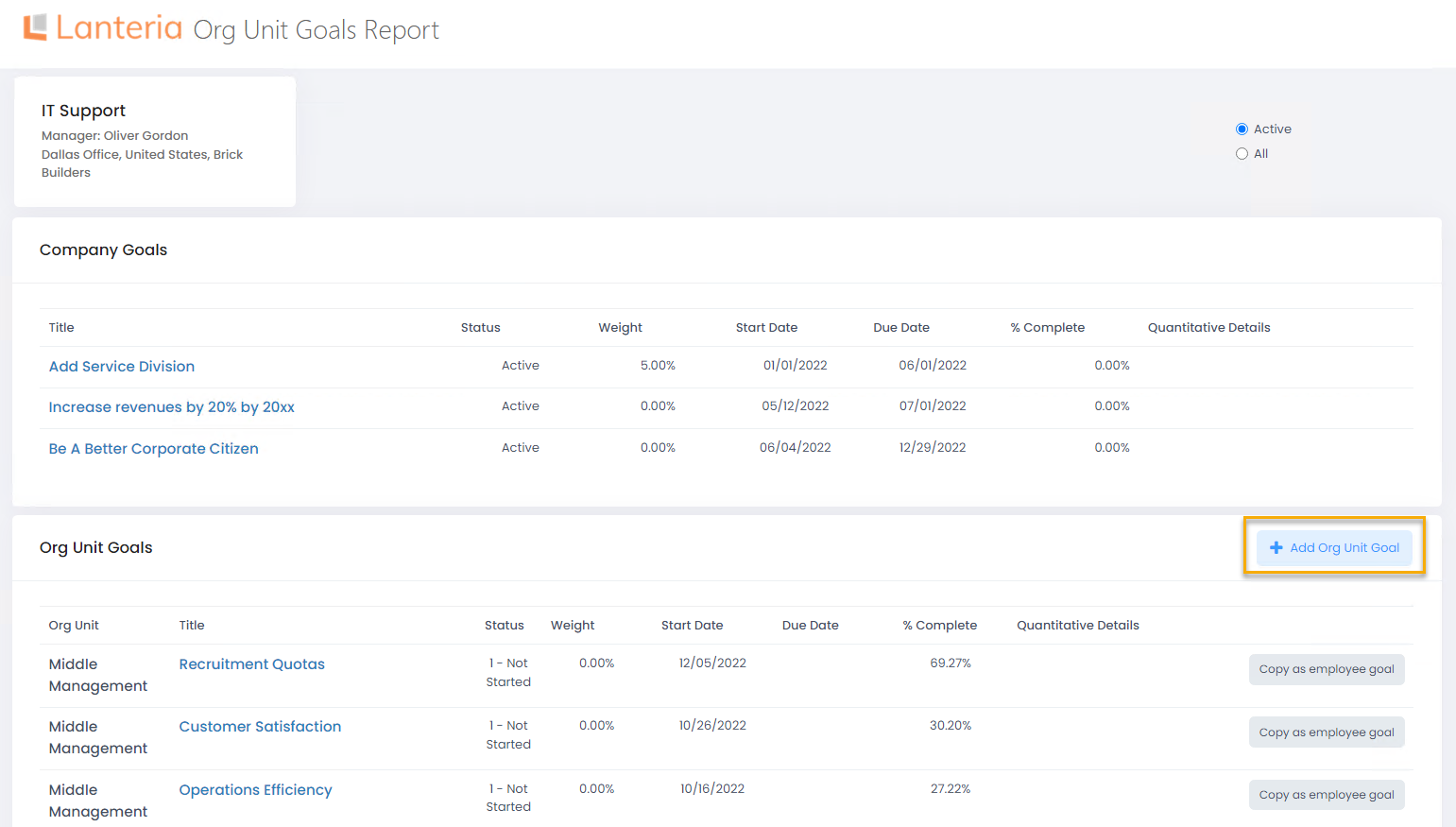
In the Local HR role, you can manage organizational unit goals for org units within you responsibility, which is configured in Local HR settings.
To add an org unit goal in the Local HR role
- Go to LHR Performance > Goals > Org Unit Goals.
- Set filters, and then select View. You will see an overview current goals for departments within your responsibility.

.png)
- Select View next to a department to view details or add a new org unit goal.
- Click Add Org Unit Goal, and then proceed just like in the Manager role.