You must specify the termination reason when terminating an employee.
Follow these steps to establish a dictionary of termination reasons:
- Go to Settings > Settings and Configuration > Core HR.
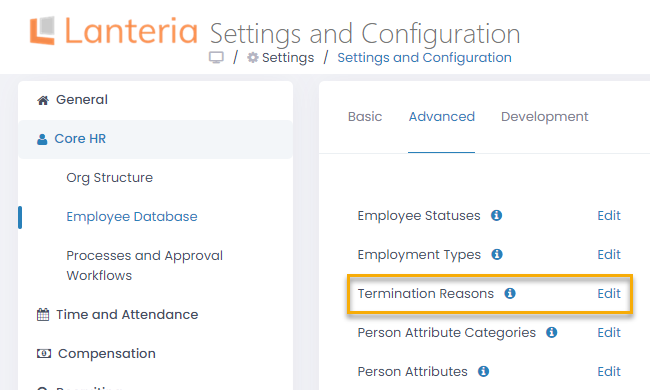
- Click Employee Database in the left panel and click Edit next to the Termination Reasons setting name on the Advanced tab.
- The Termination Reasons list will open in spreadsheet view where you can directly edit the information you need.
.png)
- Enter the termination reason name into the Title column.