The Vacancies report opens the Job Openings page with the list of currently created job openings.
To run the report, go to Reports > Report Center > Recruiting > Vacancies.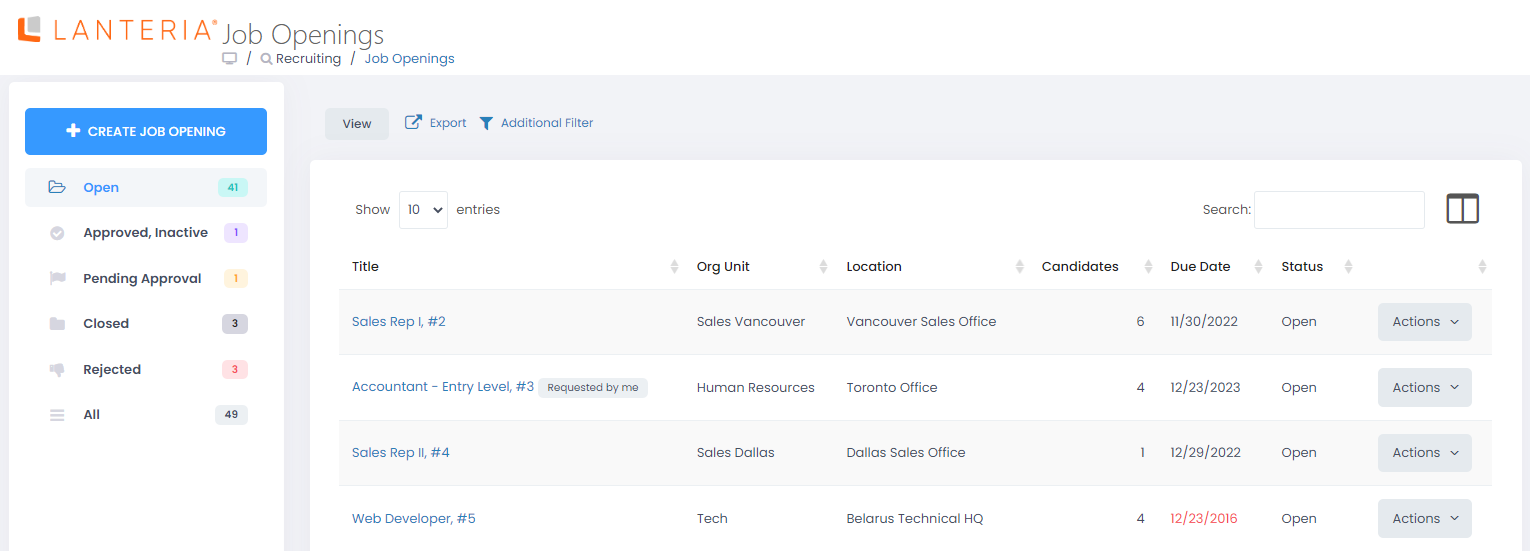
This report is basically a link to the fully functional Job Openings page, which can also be accessed by going to Recruiting > Job Openings. This means that after you run the Vacancies report, you can perform the same activities, available from the Job Openings page, such as create and publish a job opening, edit a job opening, copy a job opening, view interview ranking, delete a job opening, open job opening details by clicking the job opening title, etc. For more information on how to work with job openings, see the Job Openings section.